Microsoft Excel 2021/365 Advanced Training
About Course
 Course Overview
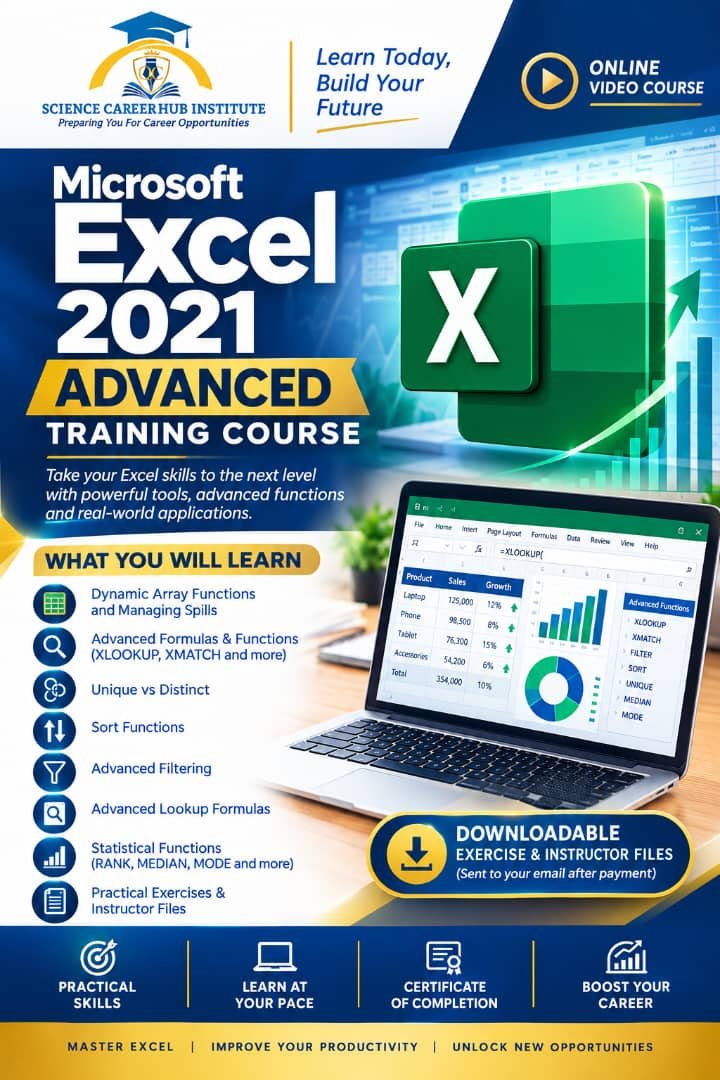
Take your Excel skills to an advanced level with practical training in dynamic arrays, advanced formulas, XLOOKUP, XMATCH, sorting, filtering, statistical functions, and advanced data analysis.
This hands-on course is designed to help you work more efficiently with complex datasets and apply advanced Excel techniques to real-world professional tasks.
Upon successful payment,you gain access to tutorials practical video course and also downloadable exercise and instructor files will be sent to your registered email address to support practical learning throughout the training.
Course Objectives
By the end of this course, participants will be able to:
-
Use advanced Microsoft Excel 2021/365 functions and formulas.
-
Work confidently with Dynamic Array Functions and spilled arrays.
-
Apply XLOOKUP and XMATCH for advanced data retrieval.
-
Perform advanced sorting and filtering.
-
Create flexible and efficient lookup formulas.
-
Apply statistical functions to analyze and rank data.
-
Use MEDIAN, MODE, and other advanced functions effectively.
-
Improve data analysis, reporting, and spreadsheet productivity.
Target Audience
This course is suitable for:
-
Professionals and working individuals
-
Data analysts and administrative personnel
-
Quality Control and Quality Assurance professionals
-
Laboratory and research personnel
-
Business and operations professionals
-
Students and graduates with basic Excel knowledge
-
Anyone seeking advanced Excel skills for career development
Prerequisites
Participants should:
-
Have basic knowledge of Microsoft Excel.
-
Understand fundamental spreadsheet concepts such as cells, rows, columns, formulas, and worksheets.
-
Be willing to practice the techniques demonstrated during the training.
Course Requirements
-
A laptop or desktop computer
-
Microsoft Excel 2021 or Microsoft 365
-
Stable internet connection for accessing the video lessons
-
Downloaded exercise and instructor files
-
Commitment to practical hands-on learning
Learning Outcomes
After completing this training, participants should be able to:
-
Build and apply advanced Excel formulas.
-
Manage and analyze dynamic arrays.
-
Perform sophisticated lookups using XLOOKUP and XMATCH.
-
Sort, filter, and organize complex datasets efficiently.
-
Apply statistical functions for data analysis and ranking.
-
Develop practical spreadsheet solutions for professional tasks.
-
Work with greater confidence and efficiency in Microsoft Excel 2021/365.
Practical Learning Note
Don’t just watch—practice! Participants are encouraged to use their laptop or desktop computer while watching the lessons and complete the provided exercises alongside the instructor to reinforce their learning and build practical Excel proficiency.
Course Content
Microsoft Excel 2021/365 Advanced Training
-
Microsoft Excel 2021/365 Advanced full Training
03:43:41
Student Ratings & Reviews